
Generate content, correct spelling, suggest synonyms to enhance writing.
173M visits/mo+0.1%#1 Productivity & Office

Voice-driven text input and productivity tool with AI formatting and extensions
Be the first member to say you use it
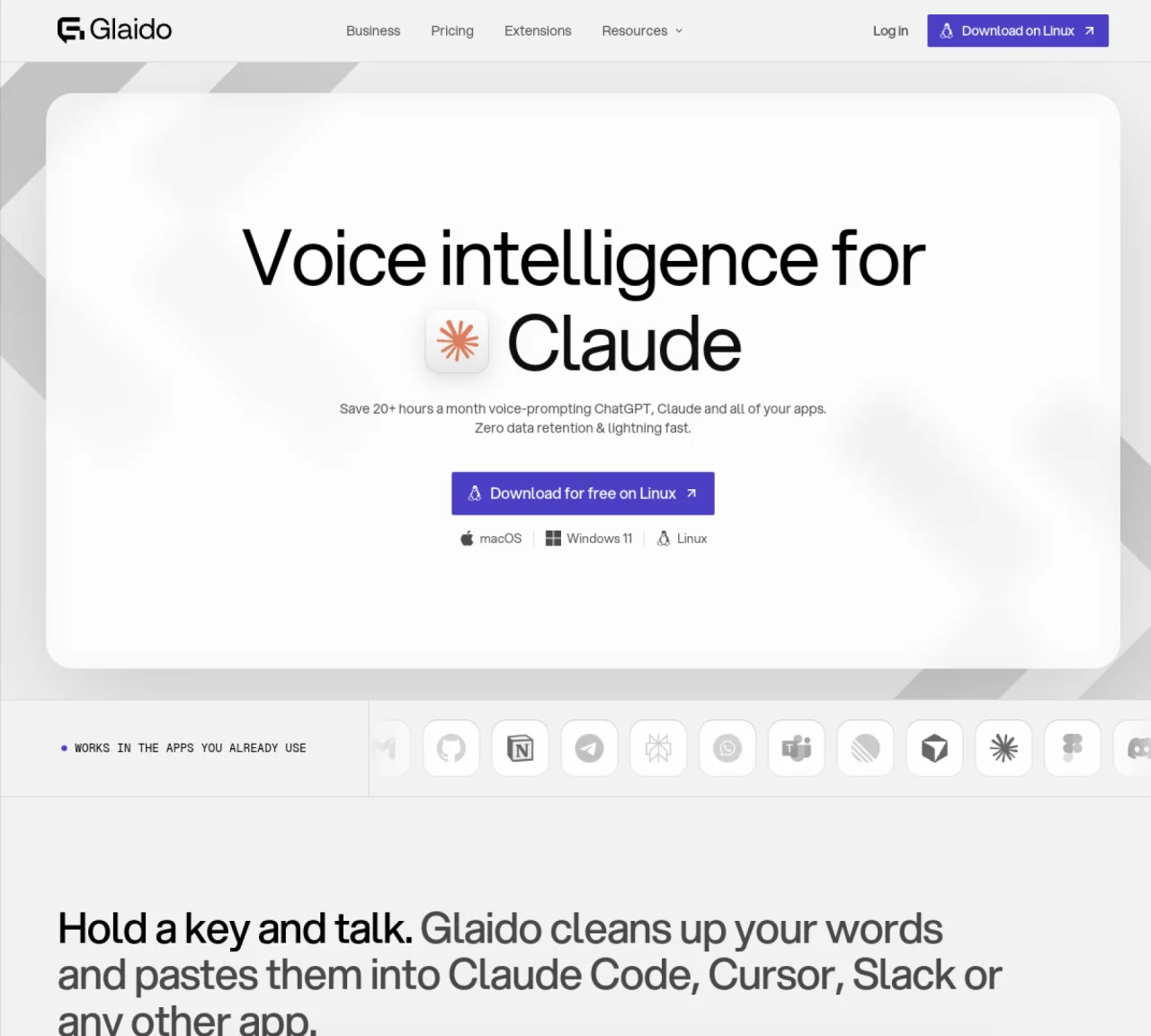
Glaido provides voice dictation that converts spoken words into clean, formatted text in real time across applications such as Gmail, Slack, Cursor, and Claude Code. It operates via a single hotkey, allowing users to dictate prompts, code instructions, or messages without leaving their workflow. The tool supports over 100 languages and includes features like custom dictionaries, formatting rules, and AI auto-editing to refine output. Additional extensions such as a color picker, clipboard history, snippet expansion, and process management are integrated into the platform. Dictation speed averages around 159 words per minute, with users reporting significant time savings compared to typing. Data is processed locally or securely in the cloud with zero retention, and the tool offers tiered plans for individuals and teams.
Glaido is a voice dictation tool that converts spoken words into clean, formatted text in real time across applications like Gmail, Slack, Cursor, and Claude Code. Users activate it with a single hotkey, speak naturally, and Glaido pastes the formatted text instantly into their workflow.
Glaido suits developers, writers, and professionals who want to save time by dictating text instead of typing. It is particularly useful for those working in coding environments, chat apps, or email platforms where speed and efficiency are critical.
Yes, Glaido provides a free Basic plan with limited features, including 2,000 words per week and support for over 100 languages. Users can upgrade to a Pro or Enterprise plan for additional capabilities.
Glaido processes data either locally on the user's device or securely in the cloud with zero retention. This ensures that spoken content is not stored or used beyond the immediate dictation session.
Yes, Glaido supports dictating code instructions, prompts, and technical terms. It includes features like custom dictionaries and formatting rules tailored for coding environments, making it easier to generate clean, structured code snippets.
Glaido integrates extensions such as a color picker, clipboard history, snippet expansion, process management, and a keep-awake feature. These tools enhance productivity by reducing the need to switch between applications.
glaido.com · third-party estimates from Similarweb
Last 3 months · grows by one month every month
Share of visits by channel
No measurable traffic from Paid Referrals.
Share of visits · estimated visits
Other countries: 11.1%
Productivity & Office · Sep 2026
Traffic figures are third-party estimates, good for scale and trends; they can differ from a company's own numbers. Updated monthly.
We use essential cookies to run aitoolnavio™, and optional cookies to analyze traffic and measure our marketing. You choose what we use — optional cookies stay off unless you turn them on. See our Privacy Policy.
One short email a week: fresh tools worth trying, honest takes and the updates that actually matter. No spam, unsubscribe any time.
Generate content, correct spelling, suggest synonyms to enhance writing.
Turn messy team ideas into actionable plans with Miro's visual workspace.
Leverage analytics, automate tasks, share documents, and coordinate projects.
Integrates AI into Airtable to analyze data, summarize insights, draft content, and automate workflows without prior AI experience.
Cloud accounting software that automates bookkeeping, invoicing, and financial reporting for small and growing businesses.
Streamline teamwork, manage projects, automate tasks efficiently.
Automate code, research, and documents using agents.
AI assistant for safe, reliable productivity with code, collaboration, and integrations.
Create customizable tables, databases, and spreadsheets, share data securely with team members.
Easy-to-use CRM platform that automates lead capturing, prioritizes tasks, and provides sales pipeline analytics for businesses of all sizes.
Transforms thoughts into actions, enhancing productivity and efficiency.
Write & run code in 50+ languages, auto-complete with AI, and code faster with an intuitive interface.
Matched on what this tool does — grouped by the job you would be replacing.
Paid placement · similar tools from listings that support aitoolnavio™
Instant lead response for home-service pros: your phone rings on every new lead, plus 14 days of follow-up
matches Ultra-fast dictation with real-time formatting · Custom formatting rules per application · Text snippet expansion with triggers
matches Agent mode for AI-assisted coding
matches Clipboard history with searchable entries
AI speech-to-text dictation app for fast voice typing across Mac, Windows, and iPhone with system-wide hotkeys and auto formatting.
Desktop dictation software that turns speech into polished text in any app with AI autocorrect and enterprise-grade privacy.
Windows speech-to-text tool that types spoken words anywhere using local processing
Offline voice dictation tool for Windows, macOS and Linux
AI chatbot for conversation, work, research, coding, and content creation.
Collaboration and version control platform for software development and AI model hosting.
Keyboard-driven launcher and productivity tool for macOS with built-in AI chat
Mac clipboard manager with on-device AI actions for text and screenshots