Generate content, correct spelling, suggest synonyms to enhance writing.
173M visits/mo+0.1%#1 Productivity & Office

Share meeting details, agendas, notes, recordings, transcripts, and set reminders seamlessly between Zoom and Slack.
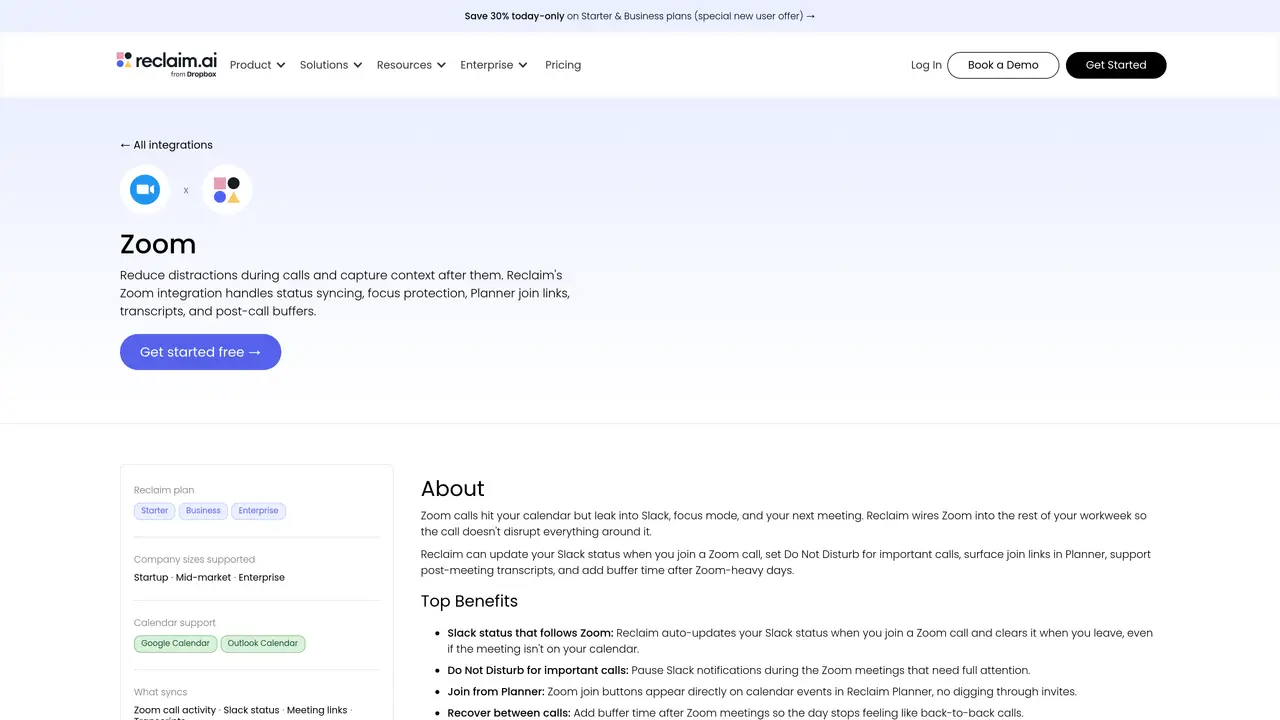
Reclaim.ai’s Zoom + Slack Sync seamlessly connects your Zoom and Slack accounts to help you stay organized and productive. This service allows you to synchronize your Zoom meetings with Slack, so you can easily share meeting details, agendas, and other important documents with your team members. Additionally, you can instantly transfer notes, recordings, and transcripts from your meetings to Slack channels, so everyone can stay up to date and on the same page. The Zoom + Slack Sync service also offers a variety of other useful features, such as automatic reminders for upcoming meetings, integration with project management tools, and the ability to assign tasks to team members. With Reclaim.ai’s powerful technology, you can easily manage your meetings and collaborate with your team more efficiently. Zoom + Slack Sync is ideal for businesses, entrepreneurs, and remote teams who need a reliable way to keep track of their meeting records and collaborate with colleagues.
The integration automatically updates your Slack status when you join or leave a Zoom call, sets Do Not Disturb during important meetings, and surfaces Zoom join links directly in Reclaim’s Planner for seamless access.
It is ideal for remote teams, businesses, and individuals who rely on Zoom and Slack for collaboration and want to streamline meeting workflows without manual updates.
After Zoom meetings, transcripts can be accessed and shared in connected tools, ensuring key takeaways are documented and distributed to team members.
Yes, the Zoom + Slack Sync feature is part of Reclaim.ai’s scheduling and productivity tools, which require a subscription to access.
The integration allows you to set Do Not Disturb for important calls, but status updates are automated based on Zoom call participation.
You can start by signing up for a Reclaim.ai account, connecting your Zoom and Slack accounts, and enabling the integration through the platform’s settings.
We use essential cookies to run aitoolnavio™, and optional cookies to analyze traffic and measure our marketing. You choose what we use — optional cookies stay off unless you turn them on. See our Privacy Policy.
One short email a week: fresh tools worth trying, honest takes and the updates that actually matter. No spam, unsubscribe any time.
Generate content, correct spelling, suggest synonyms to enhance writing.
Turn messy team ideas into actionable plans with Miro's visual workspace.
Leverage analytics, automate tasks, share documents, and coordinate projects.
Integrates AI into Airtable to analyze data, summarize insights, draft content, and automate workflows without prior AI experience.
Cloud accounting software that automates bookkeeping, invoicing, and financial reporting for small and growing businesses.
Streamline teamwork, manage projects, automate tasks efficiently.
Automate code, research, and documents using agents.
AI assistant for safe, reliable productivity with code, collaboration, and integrations.
Create customizable tables, databases, and spreadsheets, share data securely with team members.
Easy-to-use CRM platform that automates lead capturing, prioritizes tasks, and provides sales pipeline analytics for businesses of all sizes.
Transforms thoughts into actions, enhancing productivity and efficiency.
Write & run code in 50+ languages, auto-complete with AI, and code faster with an intuitive interface.
Matched on what this tool does — grouped by the job you would be replacing.
Paid placement · similar tools from listings that support aitoolnavio™
Instant lead response for home-service pros: your phone rings on every new lead, plus 14 days of follow-up
matches Instantly transfer notes, recordings, and transcripts from Zoom to Slack · Automatically share meeting details and agendas on Slack
matches Set up automatic reminders for upcoming meetings · Automatically share meeting details and agendas on Slack
matches Ability to assign tasks to team members · Integration with project management tools
Automate transcription, generate summaries, identify speakers, and timestamps for video-conferencing conversations.
A bot-free AI note taker that records meetings, generates transcripts, summaries, and action items, and syncs notes to CRMs in 100+ languages.
Automate meeting transcription, keyword search, and AI-based notes for efficient retrieval and summary distribution.
Instantly timestamp and summarize meeting highlights with AI-generated notes after your call.
AI assistant that coordinates meetings, plans schedules and prioritizes tasks
AI-powered tool that automates meeting invitations, syncs agendas, and integrates with conferencing platforms like Zoom and Google Meet.
All-in-one AI productivity platform that automates tasks, schedules meetings, and generates reports from a single app.
AI assistant that triages inboxes, drafts replies, schedules meetings, and syncs CRM updates directly in Gmail and Outlook.
AI mobile app that records and transcribes phone calls, generates summaries, detects tasks, and syncs CRM activity for professionals on the go.
Nonverbia analyzes sales call recordings and produces human-like summaries grounded in what was said and how buyers reacted.