Create customizable tables, databases, and spreadsheets, share data securely with team members.
26M visits/mo-0.9%#10 Productivity & Office

A collaborative spreadsheet with formulas, SQL, data connectors, and AI-powered assistance for teams.
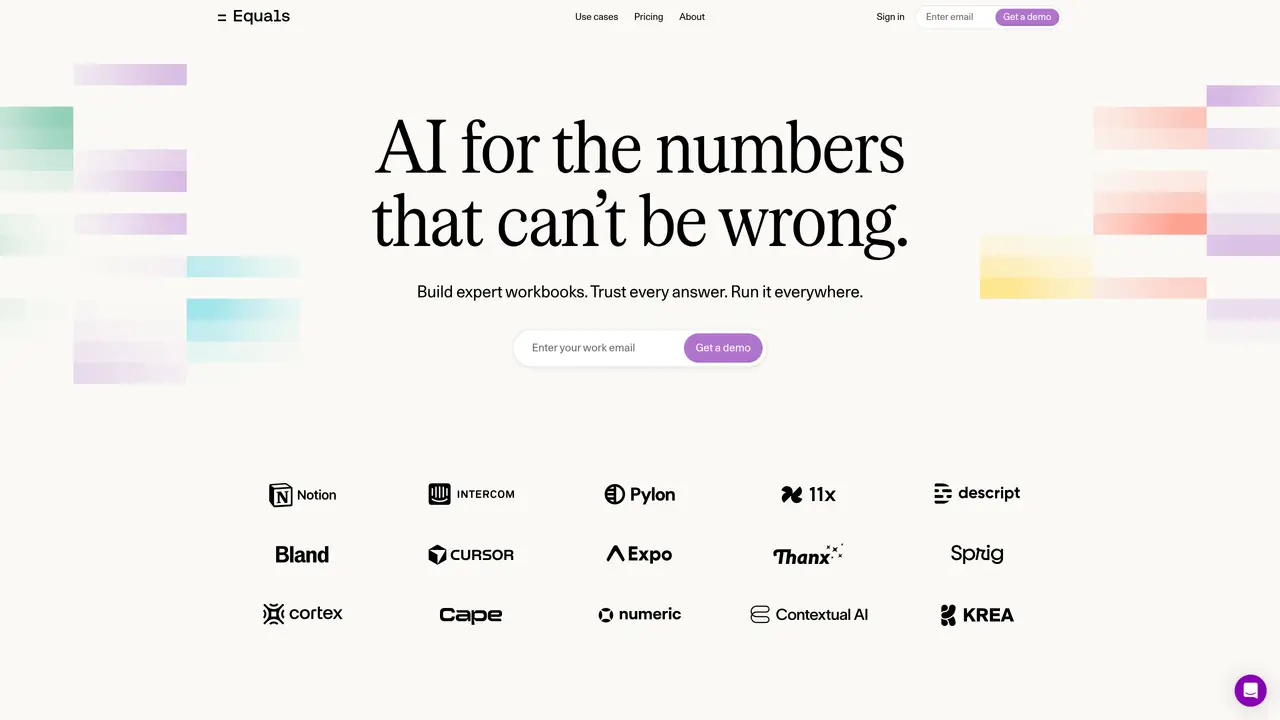
Equals is a fully featured spreadsheet designed for teams that need more than traditional spreadsheets offer. It combines standard spreadsheet functions with advanced capabilities like SQL querying, real-time collaboration, and data connectors to external databases. Users can generate formulas, write and execute SQL queries, summarize data, and build dashboards—all within a single interface. The tool includes over 100 built-in formulas, charting options, calculated columns, and Alt-mode shortcuts to streamline workflows. Version history and scheduled queries ensure data integrity and automation, while AI Assist helps generate formulas, write SQL, and summarize data efficiently. Equals is positioned as the only spreadsheet with built-in connections to any database, versioning, and collaboration features, making it suitable for both technical and non-technical users who need to work with data dynamically and collaboratively.
Equals is a modern spreadsheet designed for teams that need more than traditional spreadsheets offer. It is suitable for both technical and non-technical users who work with data dynamically and collaboratively, such as RevOps analysts, founders, and heads of operations.
Equals functions as a single source of truth where the same question yields the same answer for the entire team. It includes version history, approval workflows, and AI-driven validation to maintain data integrity.
Yes, Equals supports direct data connectors to external databases and CRMs, allowing users to pull, analyze, and push data seamlessly. It also enables embedding live charts and tables into tools like Notion, Coda, or Slack.
Equals includes AI Assist, which helps generate formulas, write SQL queries, summarize data, and answer follow-up questions based on trusted spreadsheet logic. This streamlines workflows and reduces manual effort.
Equals supports real-time collaboration, scheduled updates via Slack or email, and approval workflows. Teams can build, iterate, and deploy workbooks that serve as living documents rather than static artifacts.
Equals is commonly used to build revenue dashboards, analyze customer health and margins, track sales pipeline performance, and create operational models. It is particularly useful for GTM meetings, RevOps workflows, and data-driven decision-making.
equals.com · third-party estimates from Similarweb
Last 4 months · grows by one month every month
Share of visits by channel
No measurable traffic from Paid Referrals or Mail.
Share of visits · estimated visits
Other countries: 31.7%
How people reach this site from other AI tools
1 a month
Productivity & Office · Sep 2026
Traffic figures are third-party estimates, good for scale and trends; they can differ from a company's own numbers. Updated monthly.
We use essential cookies to run aitoolnavio™, and optional cookies to analyze traffic and measure our marketing. You choose what we use — optional cookies stay off unless you turn them on. See our Privacy Policy.
One short email a week: fresh tools worth trying, honest takes and the updates that actually matter. No spam, unsubscribe any time.
Create customizable tables, databases, and spreadsheets, share data securely with team members.
Skywork Super Agents: Workspace productivity suite with specialized AI for research-grade documents, slides & spreadsheets + multimedia tools.
AI-powered time tracking platform for teams to log hours, manage timesheets, and generate invoices with automatic and manual tracking options.
Turns CSV, Excel, and PDF files into editable dashboards and reports with AI edits, refresh, and templates.
The AI agent for Excel and Sheets with advanced add-ons for Google Workspace and Microsoft Office.
Automate data cleaning, gain AI-driven insights, and create interactive reports and visualizations.
Transform spreadsheets into AI-powered data analysis tools, simplifying complex insights.
Supercharge Excel for smarter financial planning and analysis.
Automate data entry, connect spreadsheets to databases, APIs, and identify trends with predictive analytics.
Automate complex Excel formulas, generate accurate equations with 44,000+ formulas.
Code-powered spreadsheet tool with Python, SQL, and AI integration.
AI-powered data analyst that turns plain-English questions into charts, tables, code, and automated reports.
Matched on what this tool does — grouped by the job you would be replacing.
matches Real-time collaboration for team-based data work · Dashboards for visualizing and presenting data · Version history and scheduled queries for automation
Unified analytics platform that connects live data sources, builds interactive charts, and enables secure sharing with teams and clients.
AI-powered platform that turns spreadsheets and databases into interactive charts, dashboards, and shareable data stories without coding.
Unified analytics platform for connecting data, generating AI-powered insights, and creating interactive reports and dashboards.
Collaborative workspace for SQL-based data analysis and visualization
matches 100+ built-in formulas and charting capabilities · AI Assist for generating formulas, SQL, and summaries · Calculated columns and Alt-mode shortcuts for efficiency
matches SQL editor and query builder for database interactions · Data connectors to integrate with external databases · Query builder join for complex data relationships
Create customizable tables, databases, and spreadsheets, share data securely with team members.
Code-powered spreadsheet tool with Python, SQL, and AI integration.
Automates spreadsheet tasks with AI-driven formulas and insights.
An AI assistant that lets users query databases and visualize results without writing SQL.
An AI database assistant that lets business teams query live data, build dashboards, and trigger alerts without writing SQL.
AI tool that turns database queries into plain-English insights for SMEs
Natural-language interface for querying databases and spreadsheets without SQL